Your payments, aligned with your calendar.
Plan bills and subscriptions, set reminders, and keep a clean monthly overview. Your data stays on device.
Release highlights
- Refreshed Statistics with redesigned charts
- New monthly calendar widget and clearer paid/unpaid visuals
- Improved recurring payments reliability
- Smoother animations and interactions
- Stability and synchronization improvements
Meet the app
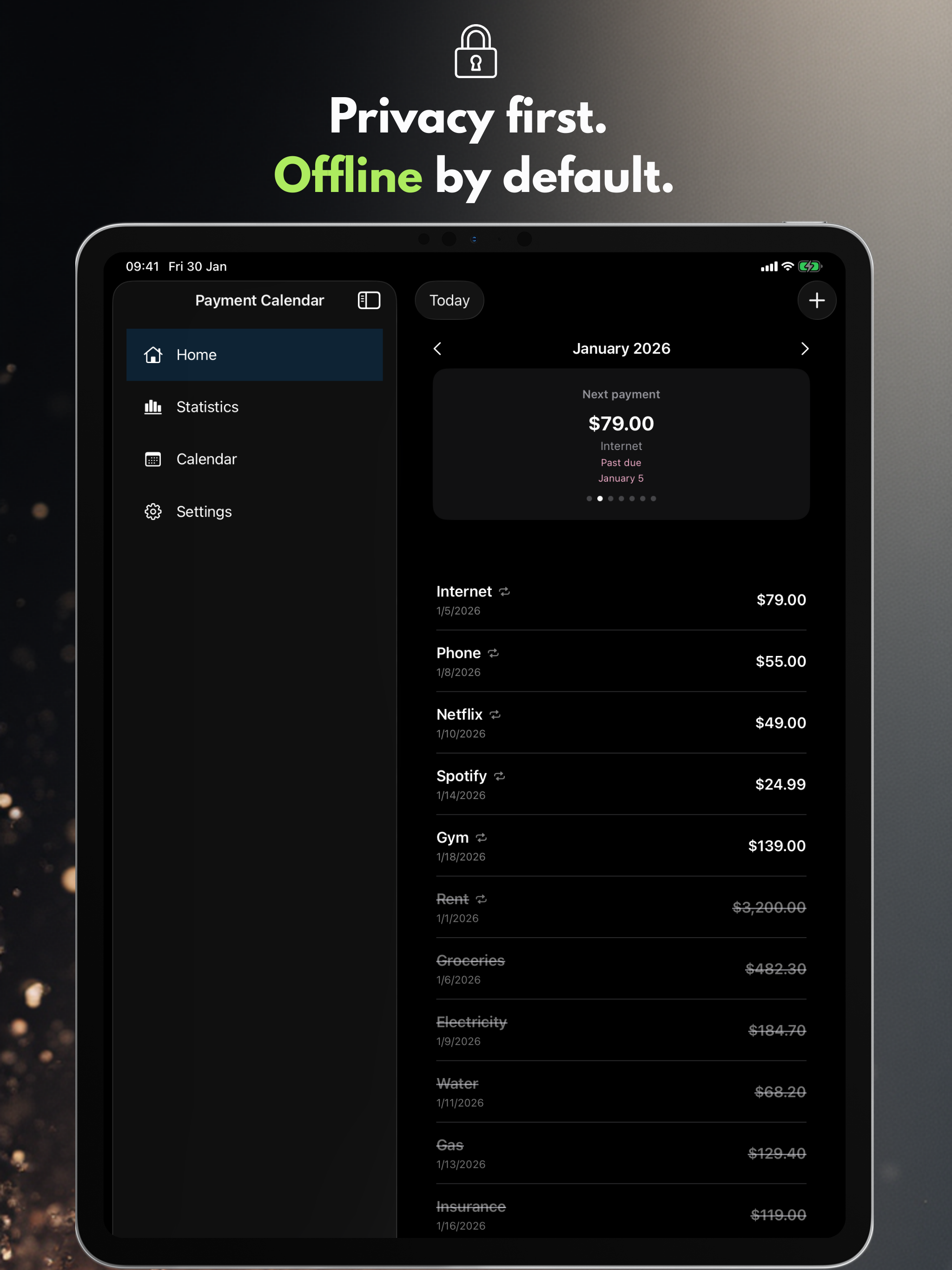
Six key screens on iPhone and iPad that show the pace of planning with Payment Calendar.
Core features
A clean monthly view, quick entry, and reminders that help you stay ahead of every payment.
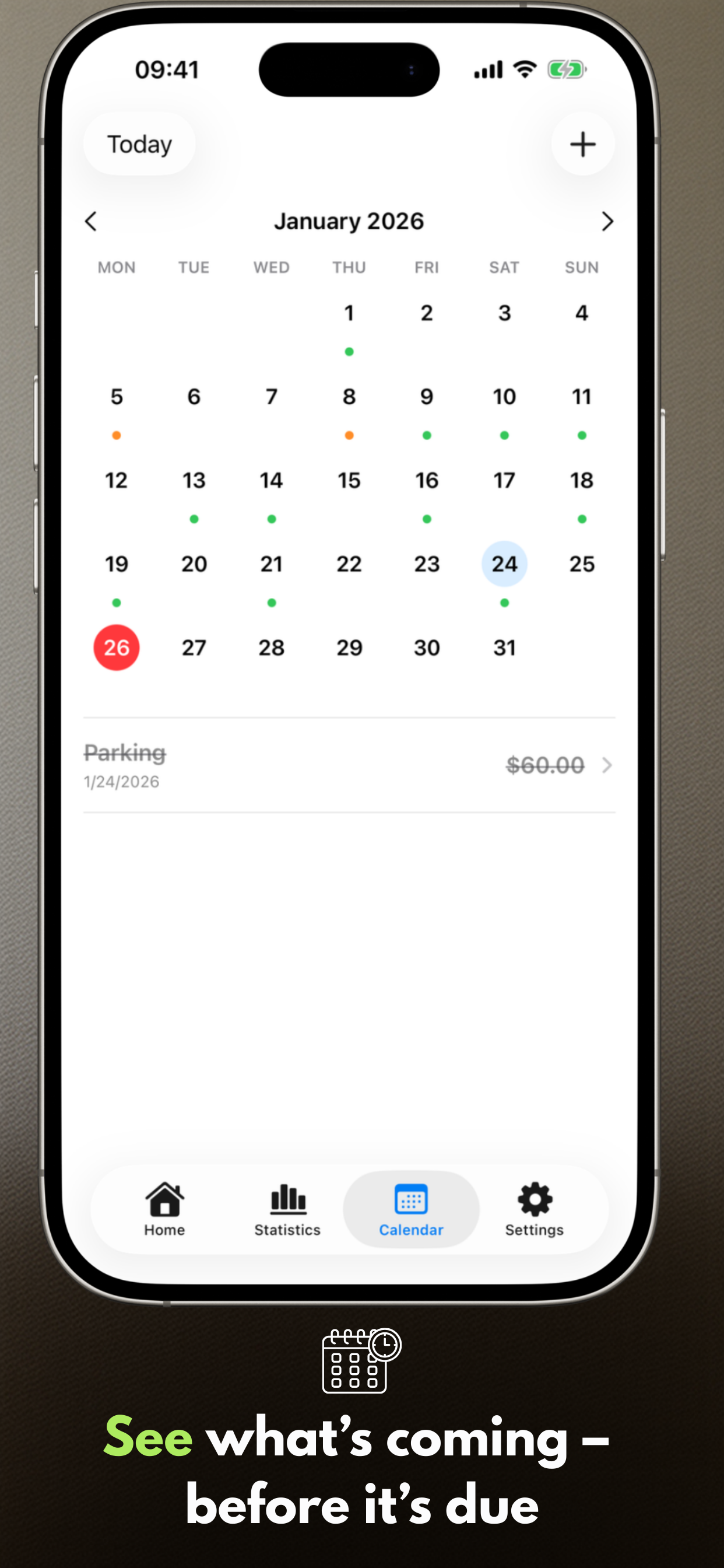
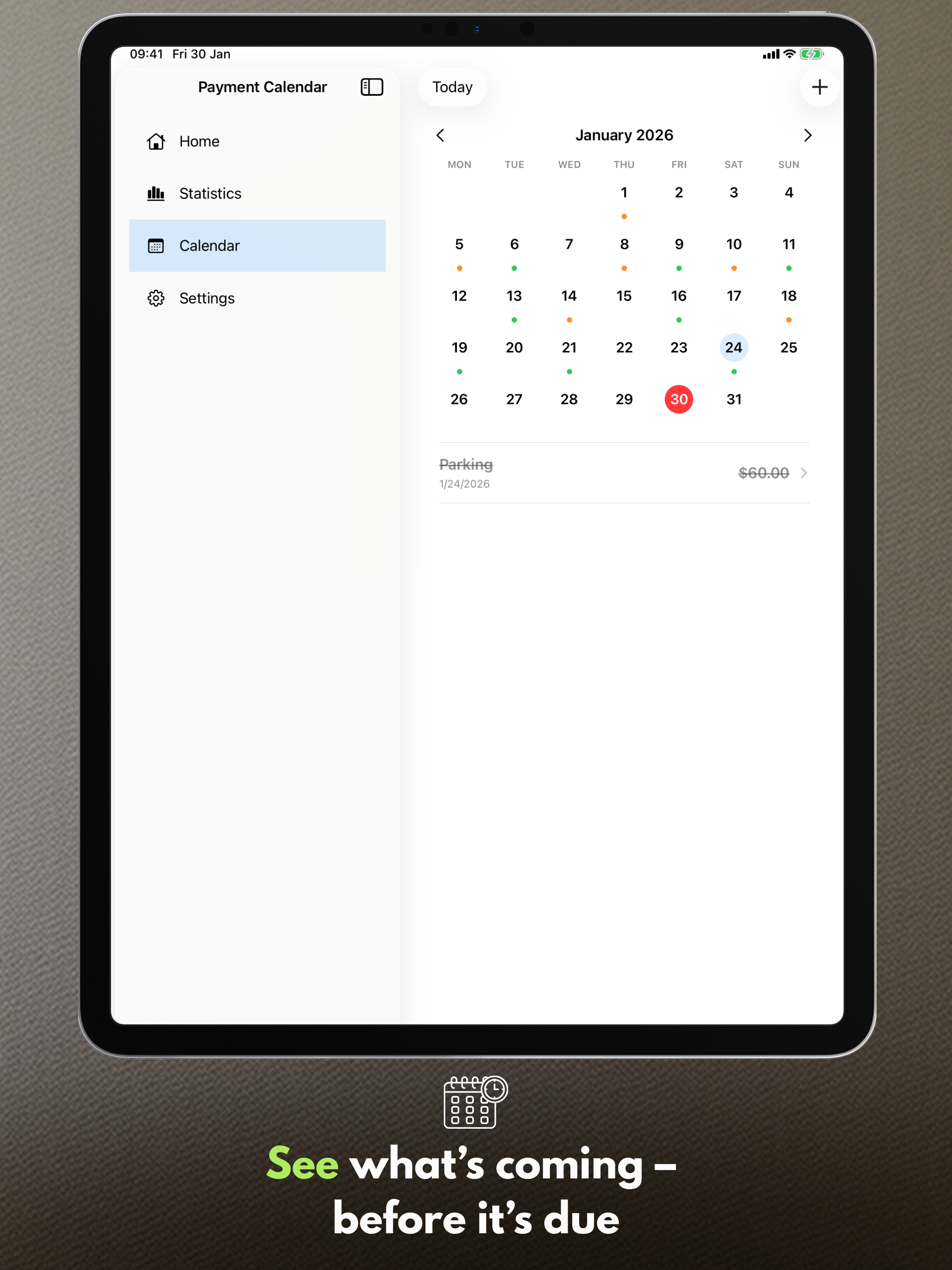
Payment calendar
See upcoming due dates and your payment list in one place.
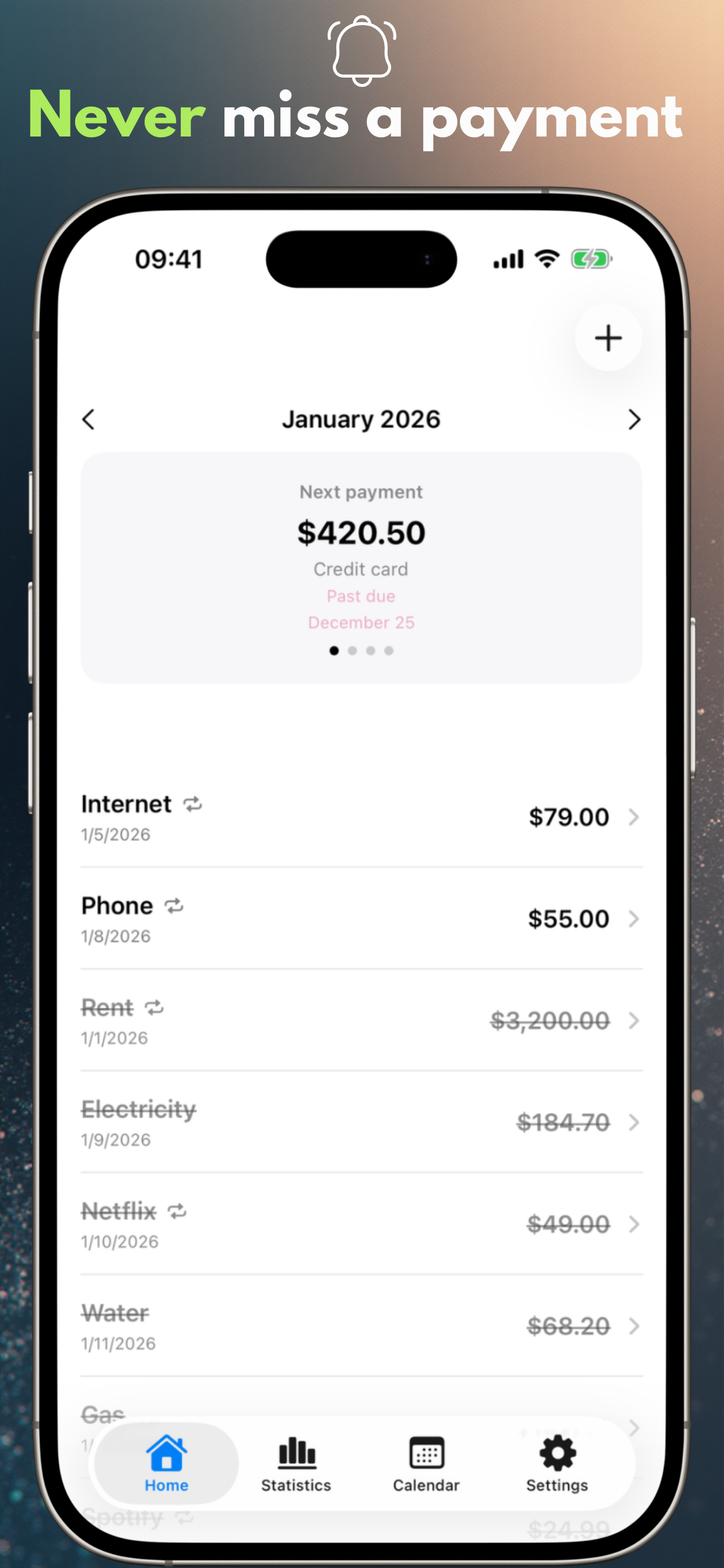
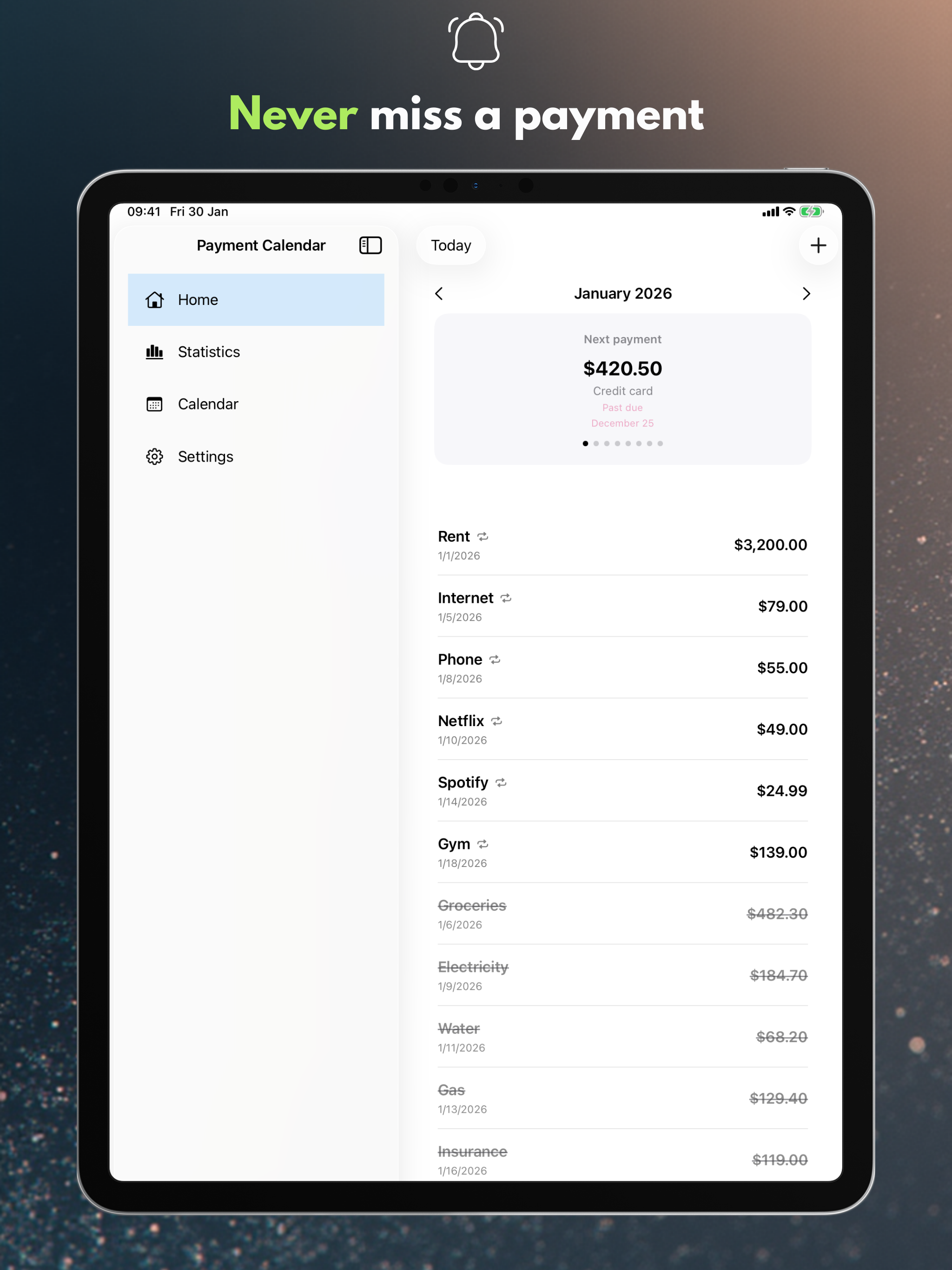
Reminders
Get notified on the due day or a few days earlier.
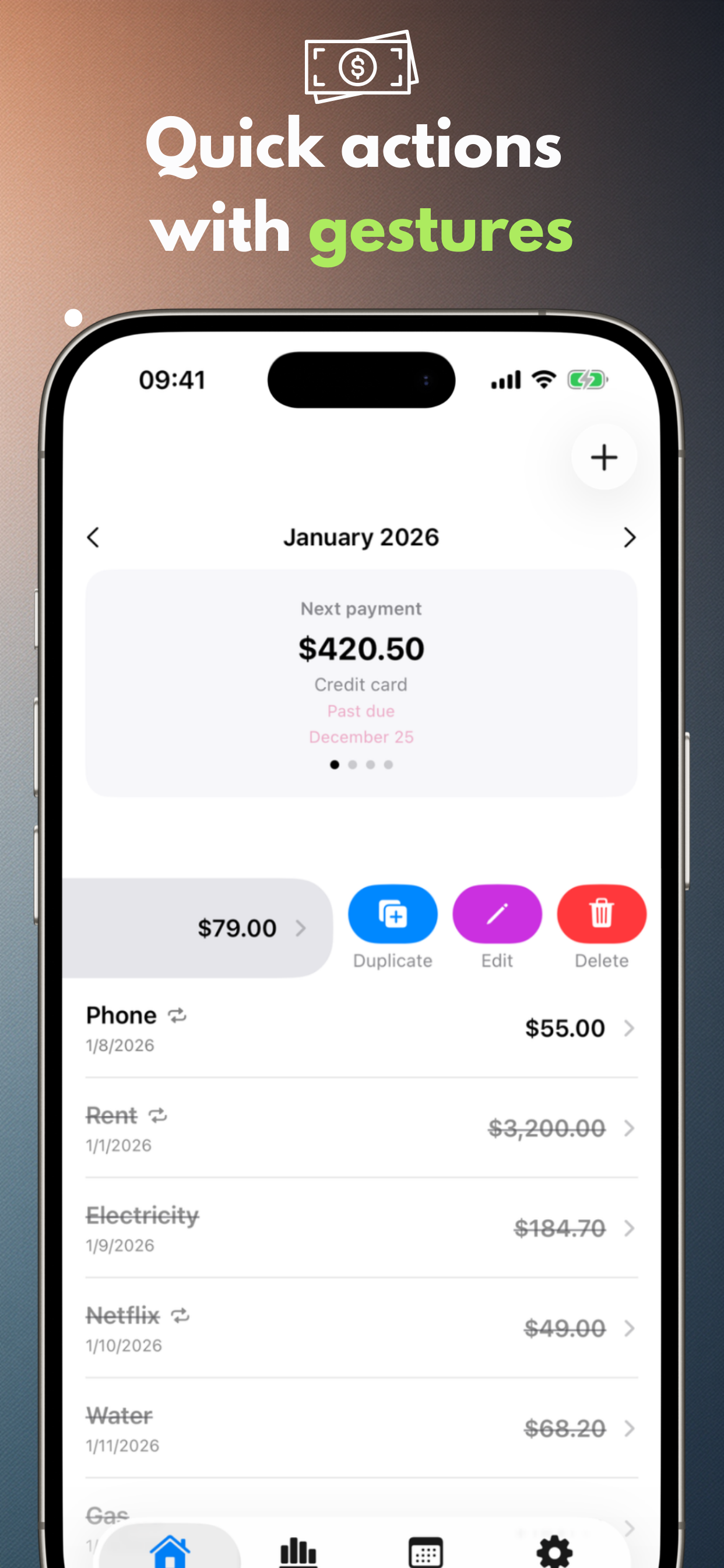
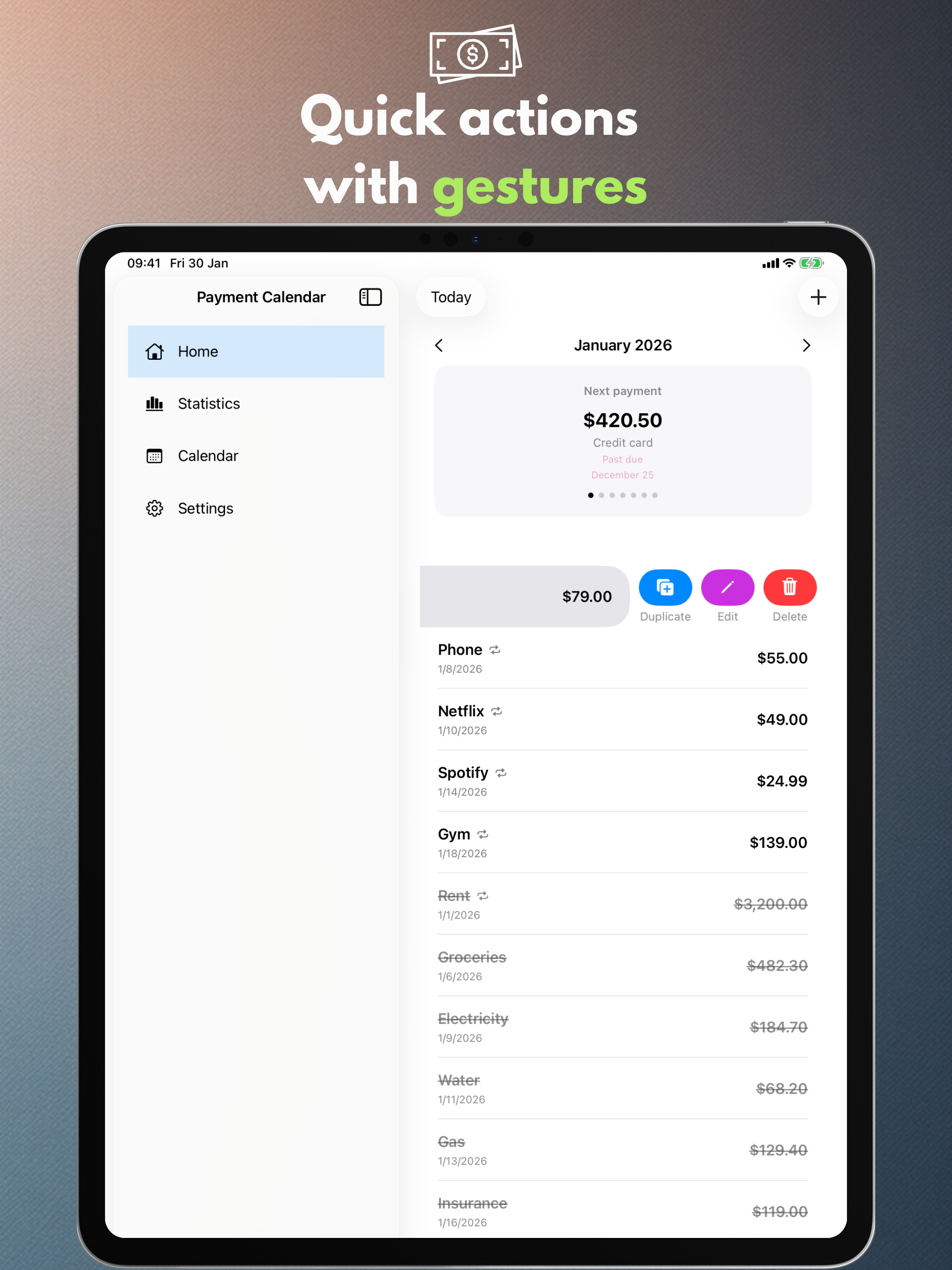
Gestures and quick actions
Mark as paid, edit, or duplicate with a single swipe.
Search
Find payments by name, amount, or notes.
Personal settings
Currency, week start, theme, and a layout that fits you.
iPad support
Optimized for iPad, including windowed mode and Split View.
CSV/PDF export (PRO)
Export summaries when you need a report.
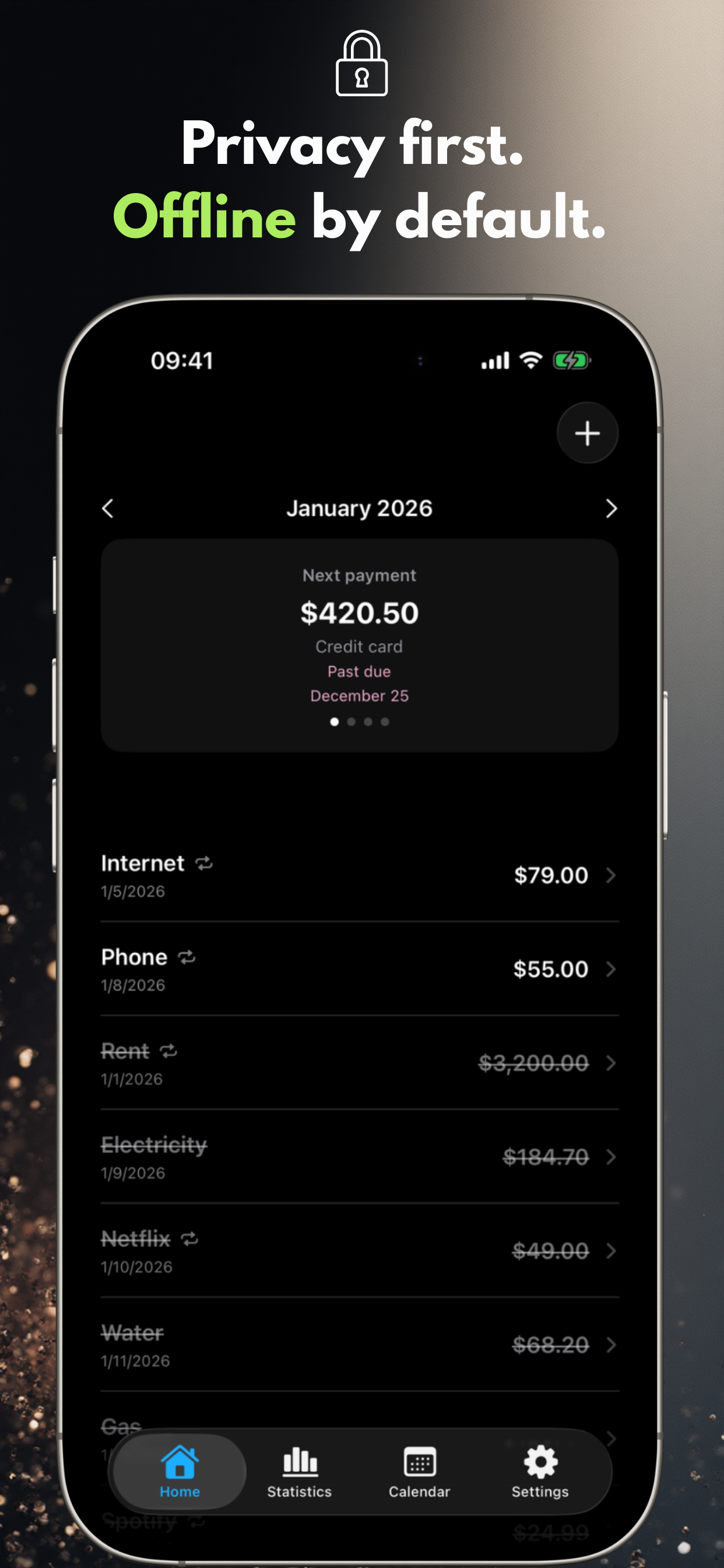
Your data stays on device.
Payment Calendar does not require an account and does not track your activity. iCloud sync is optional and disabled by default.
No ads, no analytics
We do not use third-party analytics or advertising SDKs.
Data control
Delete your data anytime in the app or by removing it.
PRO features
Upgrade for statistics, widgets, and automation.
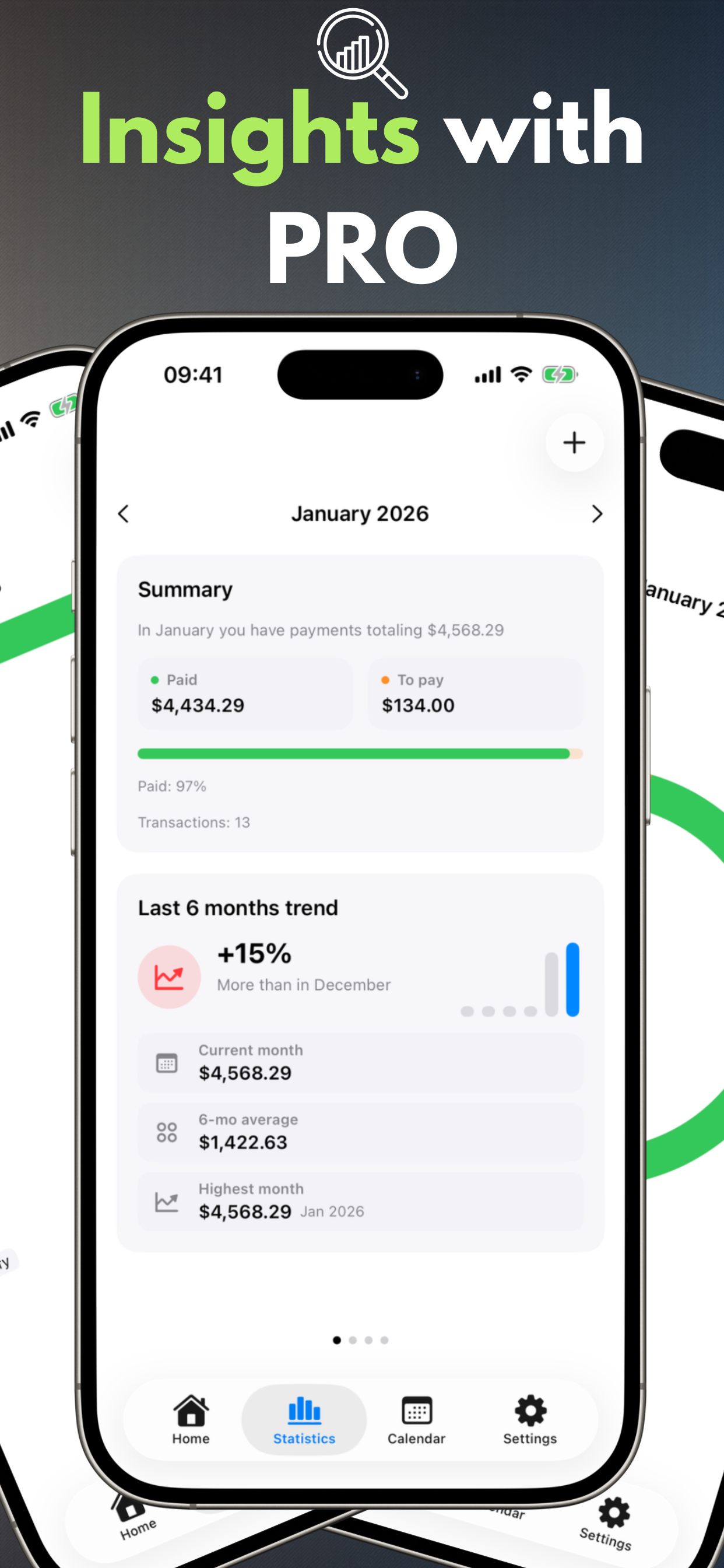
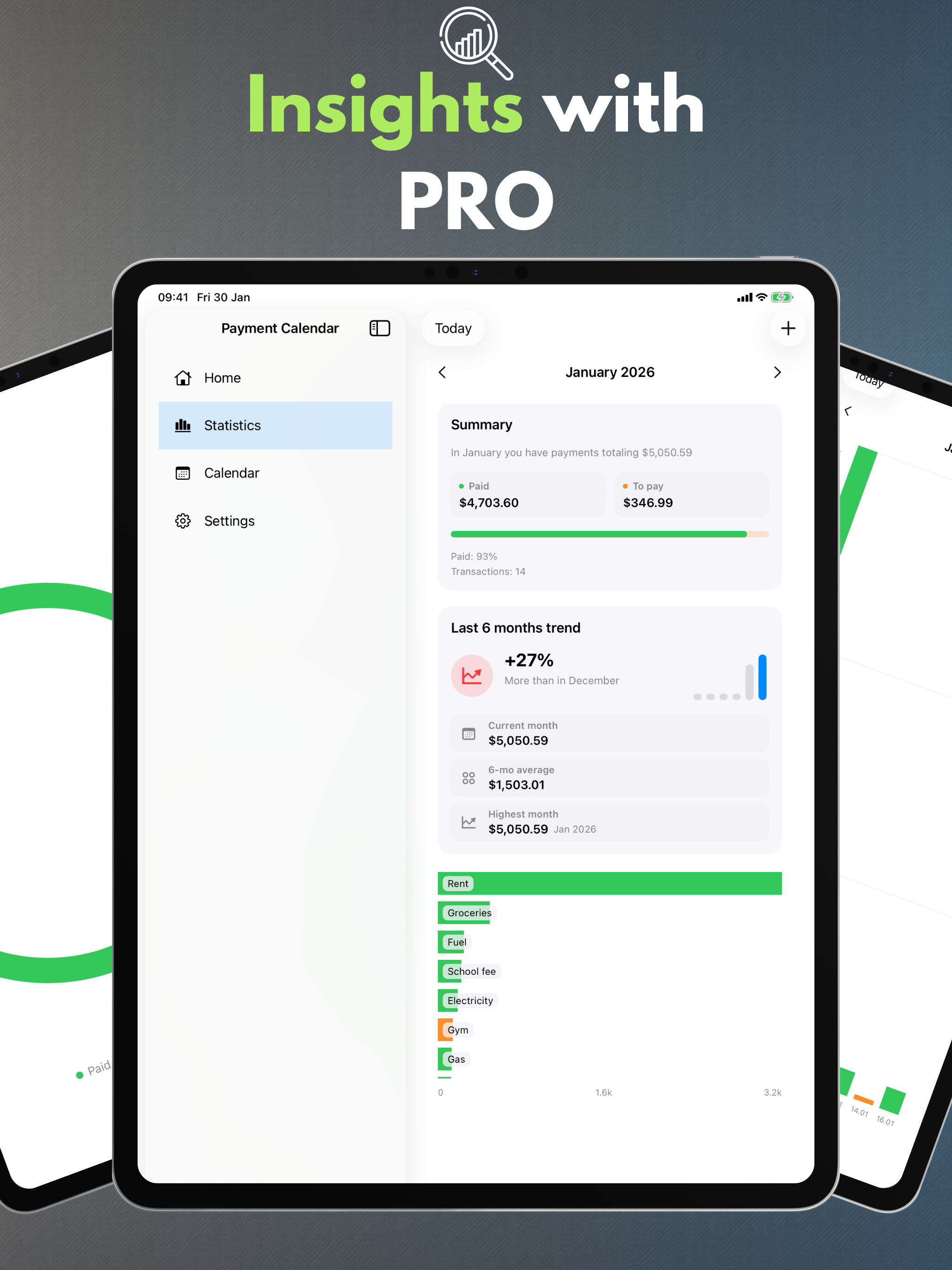
Statistics and trends
Monthly summaries plus a 6-month trend view.
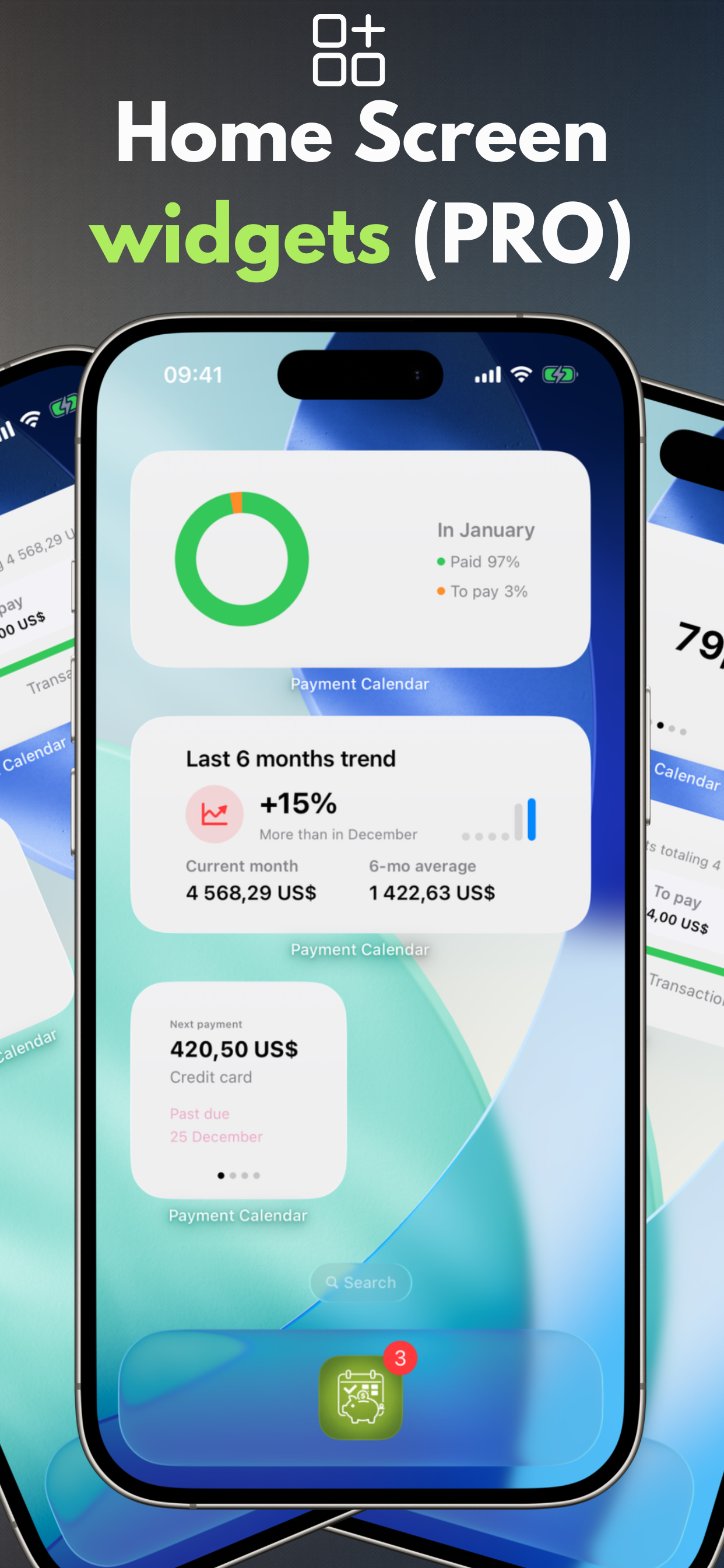
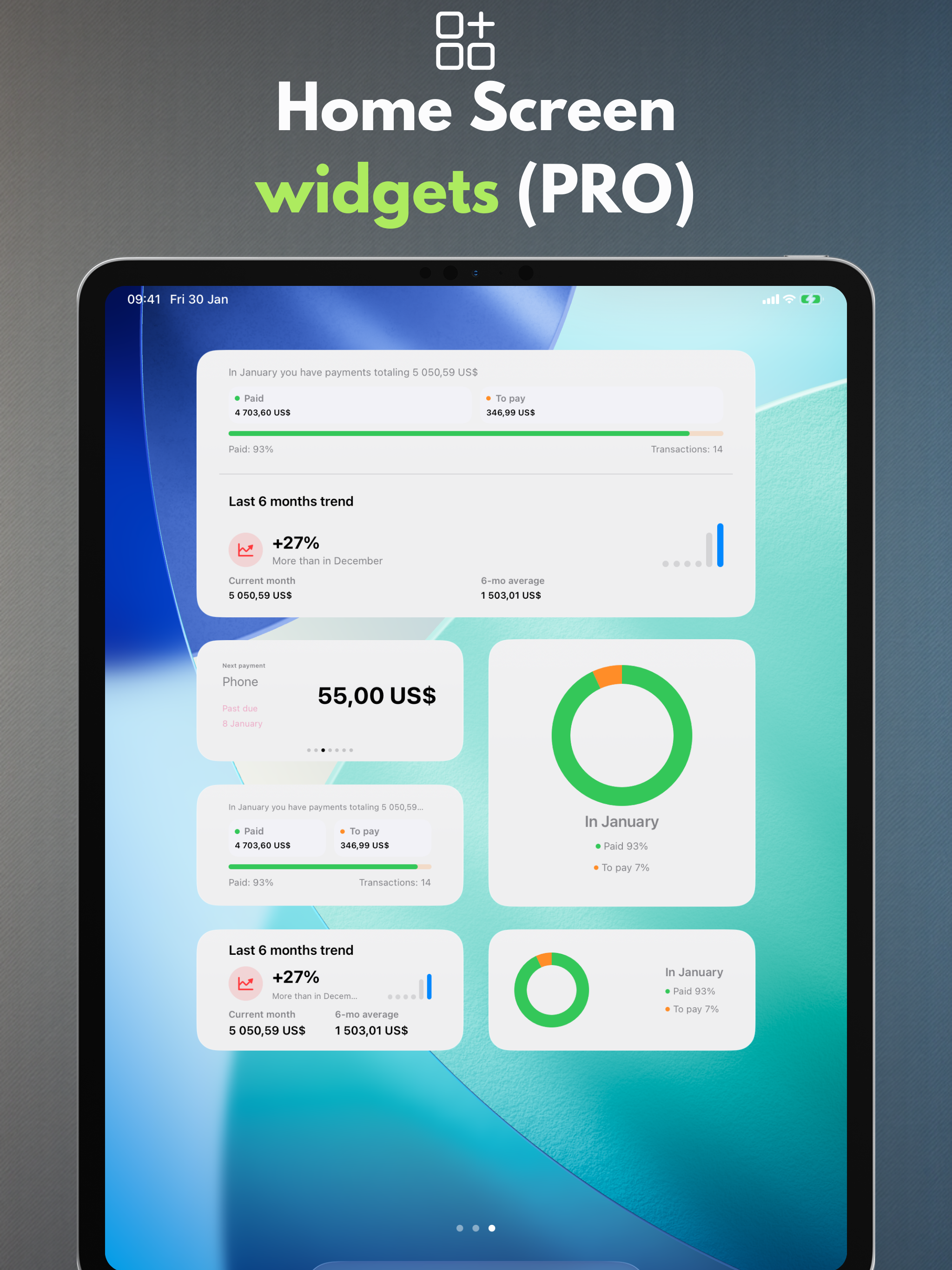
Widgets
See the next payment at a glance on your Home Screen.
Recurring payments
Create repeating payments automatically.
iCloud Sync
Keep data in sync across your devices when enabled.
CSV/PDF export
Share summaries or archive your data.
11 languages available
Payment Calendar supports Polish, English, Spanish, German, French, Italian, Ukrainian, Swedish, Simplified Chinese, Japanese, and Portuguese (Brazil).
Frequently asked questions (FAQ)
Find quick answers to the most common questions about Payment Calendar.
What is the Payment Calendar app?
Payment Calendar is an app for iPhone and iPad (iOS/iPadOS) for tracking bills and upcoming payments in a calendar format. It helps you quickly see what is due and mark payments as paid.
Does the app work offline?
Yes. The app works offline and does not require an account or an internet connection. Data is stored locally on your device. Optional iCloud sync (in the PRO version) lets you access data across multiple Apple devices.
Is my financial data safe?
Yes. Payment Calendar does not collect user data and does not require sign-in. Your data stays on your device, and optional iCloud sync (in the PRO version) runs within the Apple ecosystem.
Can I add recurring payments and subscriptions?
Yes. You can add recurring payments such as subscriptions and monthly bills. This feature is available in the PRO version.
Does the app send reminders about upcoming payments?
Yes. You can set reminders so you never miss a payment.
Is Payment Calendar a household budgeting app?
No. It is a bill calendar that helps you track upcoming and paid payments. It does not manage income, account balances, or budgeting.
Can I use the app without a paid subscription?
Yes. Core features are available for free. PRO features, such as recurring payments and iCloud sync, require a subscription or a one-time purchase.
Ready for calmer payment planning?
Payment Calendar keeps every due date in sight.